FAQ
What is the new iRacing Pit Summary UI?
It is a dedicated interface element introduced in Season 4 that shows active penalties and specific requirements for pit stops.
How does the Car Damage UI help endurance teams?
It provides precise information on mechanical and aero damage, allowing teams to prioritize repairs during long races.
Can I choose which parts to repair in the pits?
Yes, the new UI allows for more strategic control over which damage components are addressed during a pit stop.
How does this update improve competitive integrity?
By making penalties and damage status transparent, it reduces confusion and ensures all drivers follow the same race control rules.
Is the new UI available for all cars?
The Pit Summary and Damage UI updates are part of the core iRacing interface and are being rolled out across various car classes.
Master the Pit Lane: How iRacing’s New Pit Summary and Damage UI Transform Race Strategy
iracing-pit-summary-damage-ui-guide
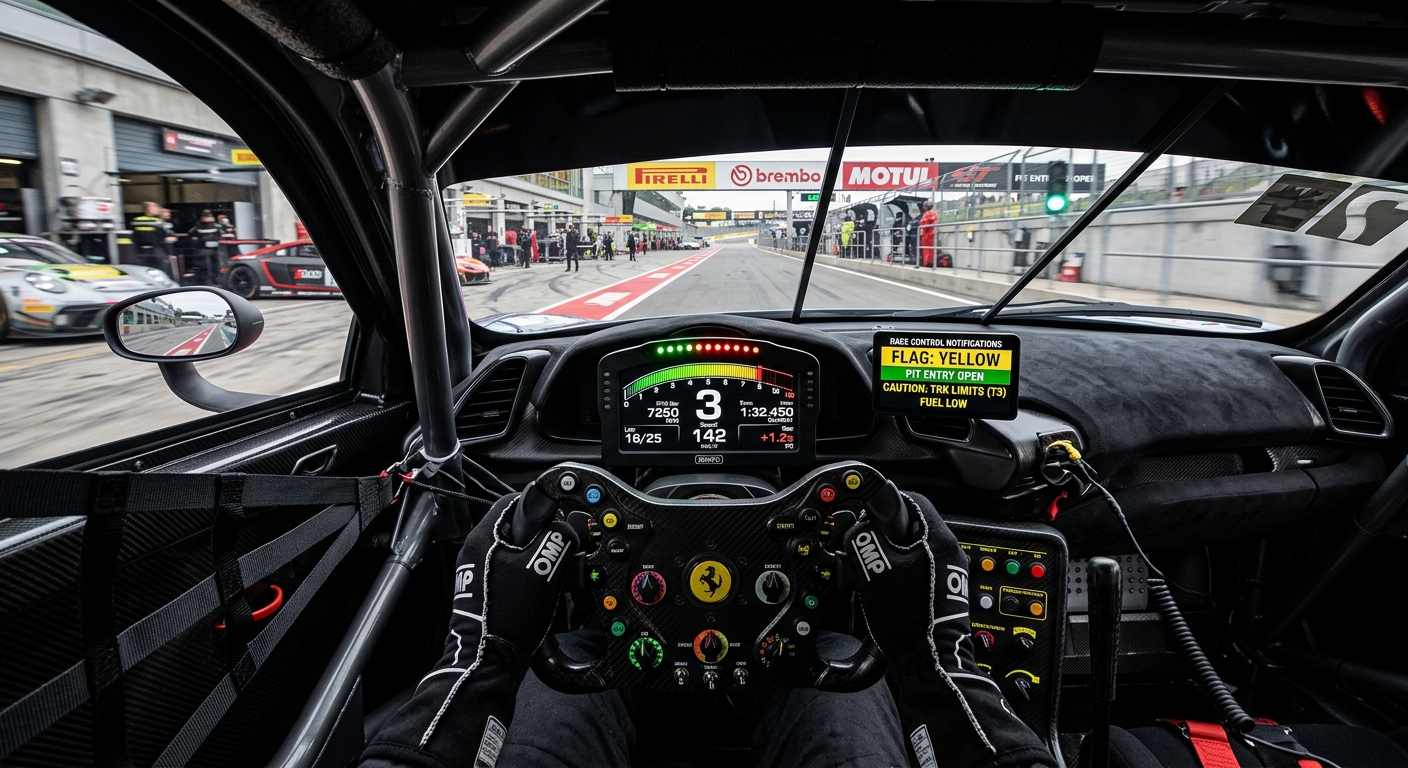
iRacing Season 4 introduces a Pit Summary and Car Damage UI to enhance penalty transparency and repair strategy, improving competitive integrity for drivers and leagues.
The End of Opaque Penalties: Understanding the Pit Summary UI
In competitive sim racing, clarity in the pit lane is as vital as pace on the track. The community frequently debates unfair penalties and the lack of information during repairs. The new Pit Summary UI addresses this by providing a dedicated space for drivers to track their penalty status in real-time. No longer will drivers be left wondering why they are held in their box or if a stop-and-go was served correctly. This transparency is a massive leap forward for race control communication and ensuring that every participant understands their standing with the stewards.
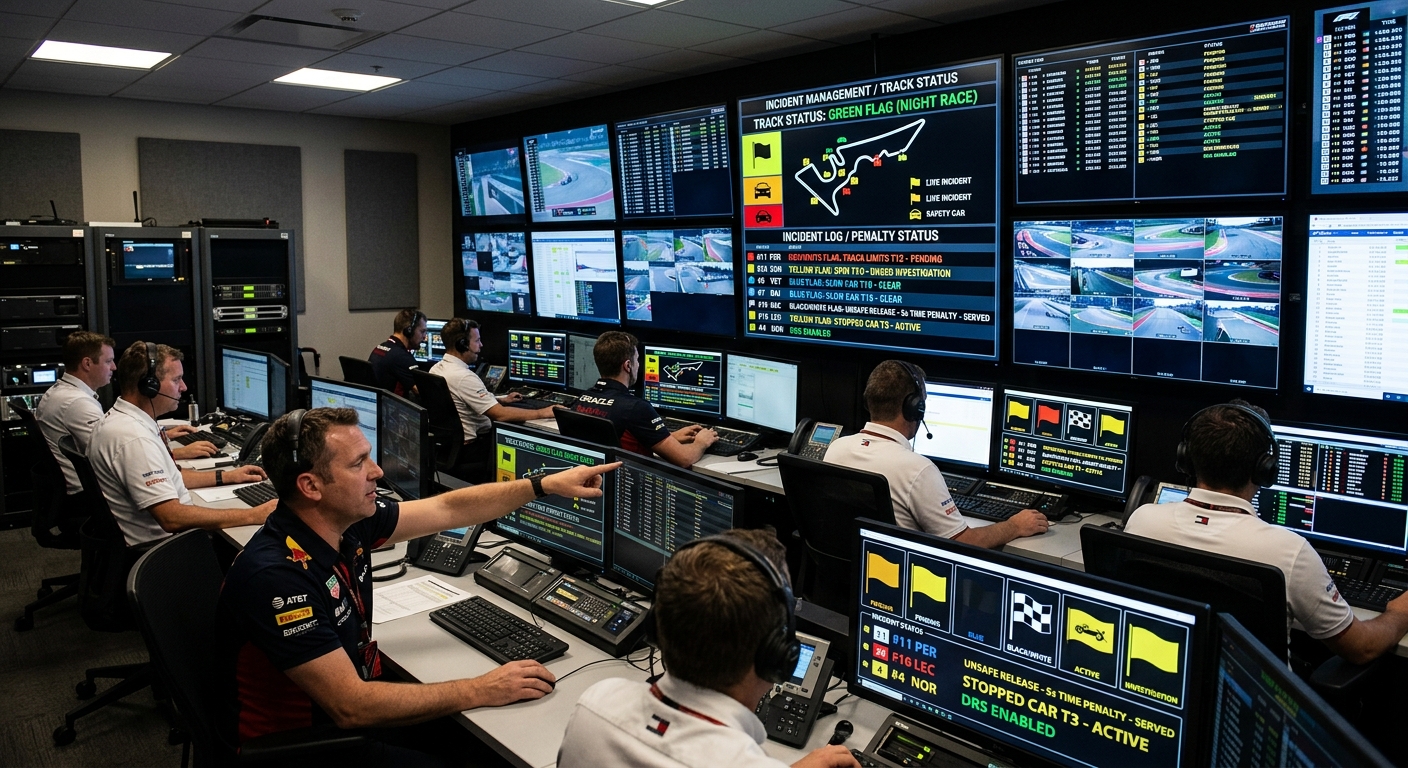
From Incidents to Recovery: Leveraging the New Car Damage UI
The Season 4 update revolutionizes how drivers interact with their pit crews following an accident. The Car Damage UI provides a detailed breakdown of vehicle health, allowing for strategic management of repairs. Instead of guessing the severity of aerodynamic damage or mechanical failures, drivers and endurance teams can now see precise data. This allows for informed decisions on whether to stay on track or pit for essential repairs, directly impacting the outcome of long-distance races and high-stakes league events.
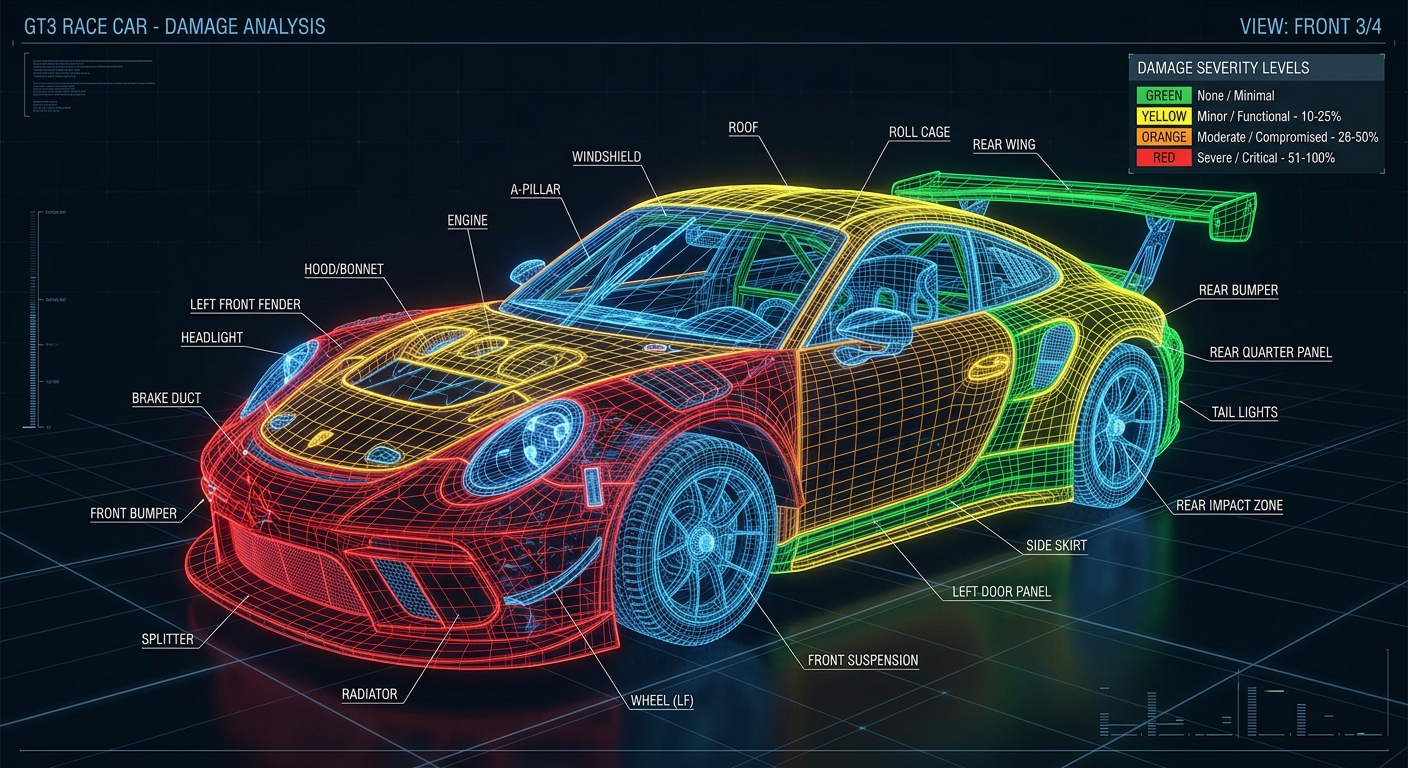
Strategy vs. Safety: Choosing Which Damage to Fix
Choosing when and what to fix is the new frontier of sim racing strategy. By providing a transparent UI for damage assessment, iRacing improves competitive integrity and reduces driver frustration. This technical clarity leads to better on-track behavior and fewer post-race protests, as drivers can see the immediate impact of their incidents. As these internal tools evolve, platforms like FairGrid offer the external framework needed to host professional-grade leagues that demand this level of stewardship and data-driven race control.
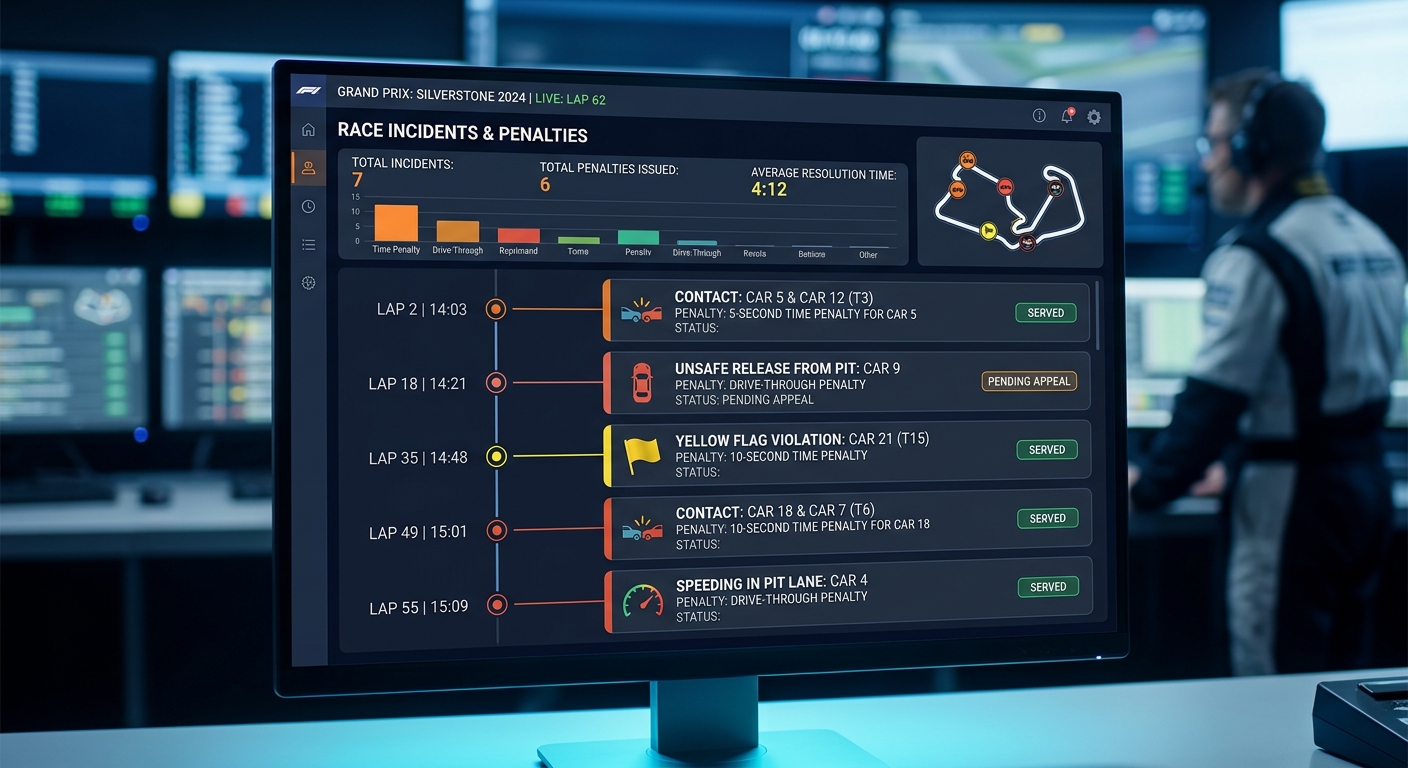
Elevate Your League with Professional Stewarding
As iRacing improves its internal tools, FairGrid provides the external framework to host and manage leagues that demand this level of professional-grade stewarding and transparency. Host your next championship with the power of FairGrid's incident management system.